


Open. You’re in.
Begin with a guest profile. Your profiles, favorites, progress, and settings stay on this device.
 FlixateMade for your media
 Your personal media center
A calmer home for the media you choose.
Start as a guest. Add your own sources.
Make the experience yours.
Designed for iPhone & iPad · No account required
01 / Settle in
Flixate brings browsing, favorites, and watch progress into one personal media center. The sources and add-ons you configure shape what’s available.
Begin with a guest profile. Your profiles, favorites, progress, and settings stay on this device.
Add compatible source or add-on URLs in Settings. Your chosen providers determine the catalogs and media you can access.
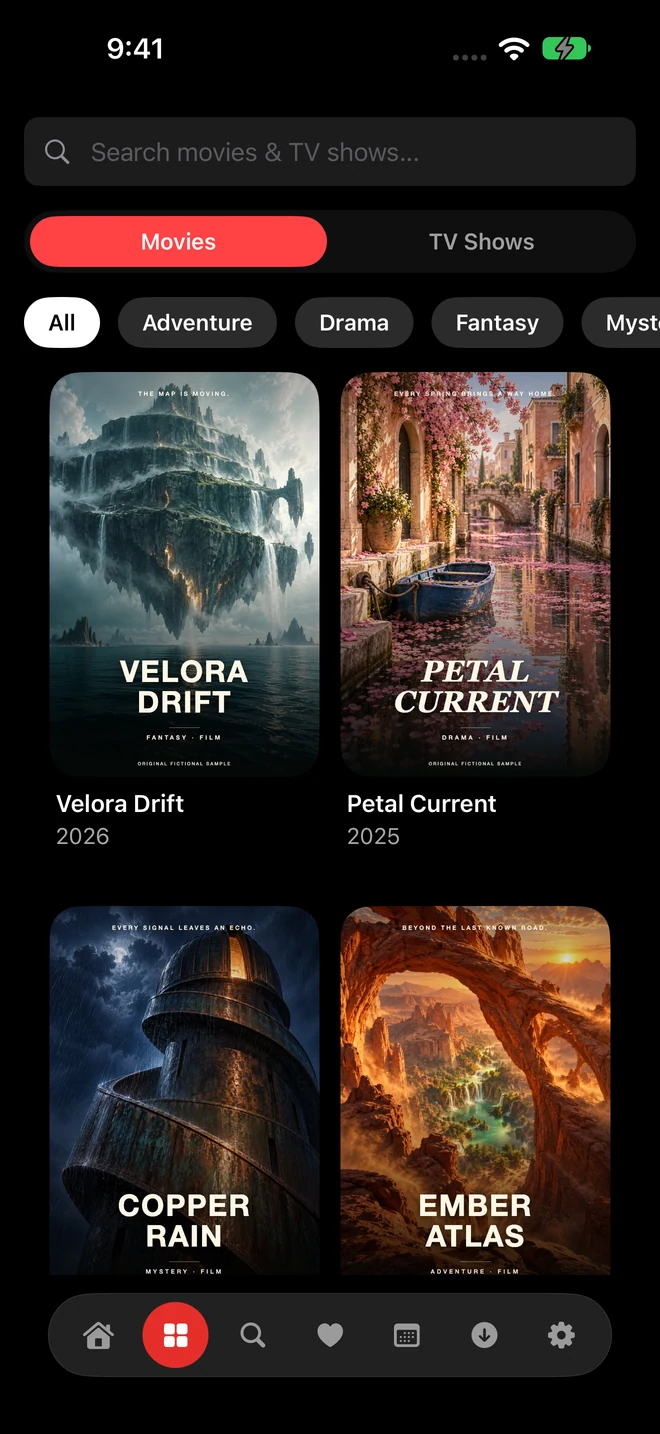
Browse your configured catalogs, look through title details, and keep favorites close for another day.
On this device
No account needed. Profiles, favorites, watch progress, add-ons, and settings stay here.
With an existing account
Sync across your devices. Sign in with email and password, or from a device that’s already signed in.
02 / Stay in control
Stay a guest for an experience stored on this device. Or sign in to an existing Flixate account, with your email and password or from a device that’s already signed in, to sync your library across devices.
Your existing guest library stays separate on this device. Signing in does not automatically upload it.
Understand your dataGuest data cannot be recovered through Flixate if you remove the app or lose the device.
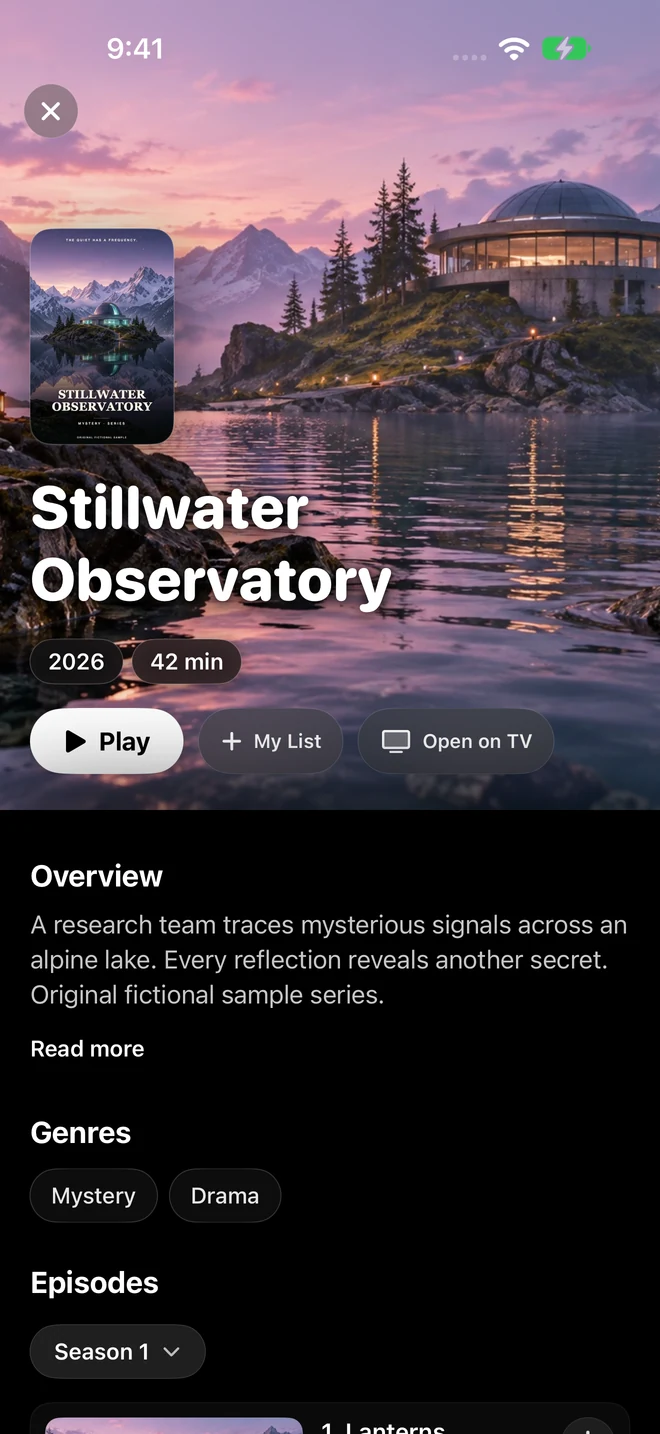
No media catalog or subscription is included. Flixate is a media center for the sources you configure. The original fictional titles in these screenshots demonstrate the real interface; they are not an available streaming library.
No. Start as a guest; there’s no sign-up in the app. If you already have a Flixate account (accounts are created by invitation), you can sign in from Settings → Accounts with your email and password, or approve the sign-in from another device that’s already signed in. Your guest data remains separate on the device.
You configure compatible sources and add-ons in Settings. They provide catalogs and, where supported, playback links. Availability, access requirements, and privacy practices depend on the provider. Use only sources you are authorized to access.
Visit the Support page for setup guidance, account information, and troubleshooting steps.